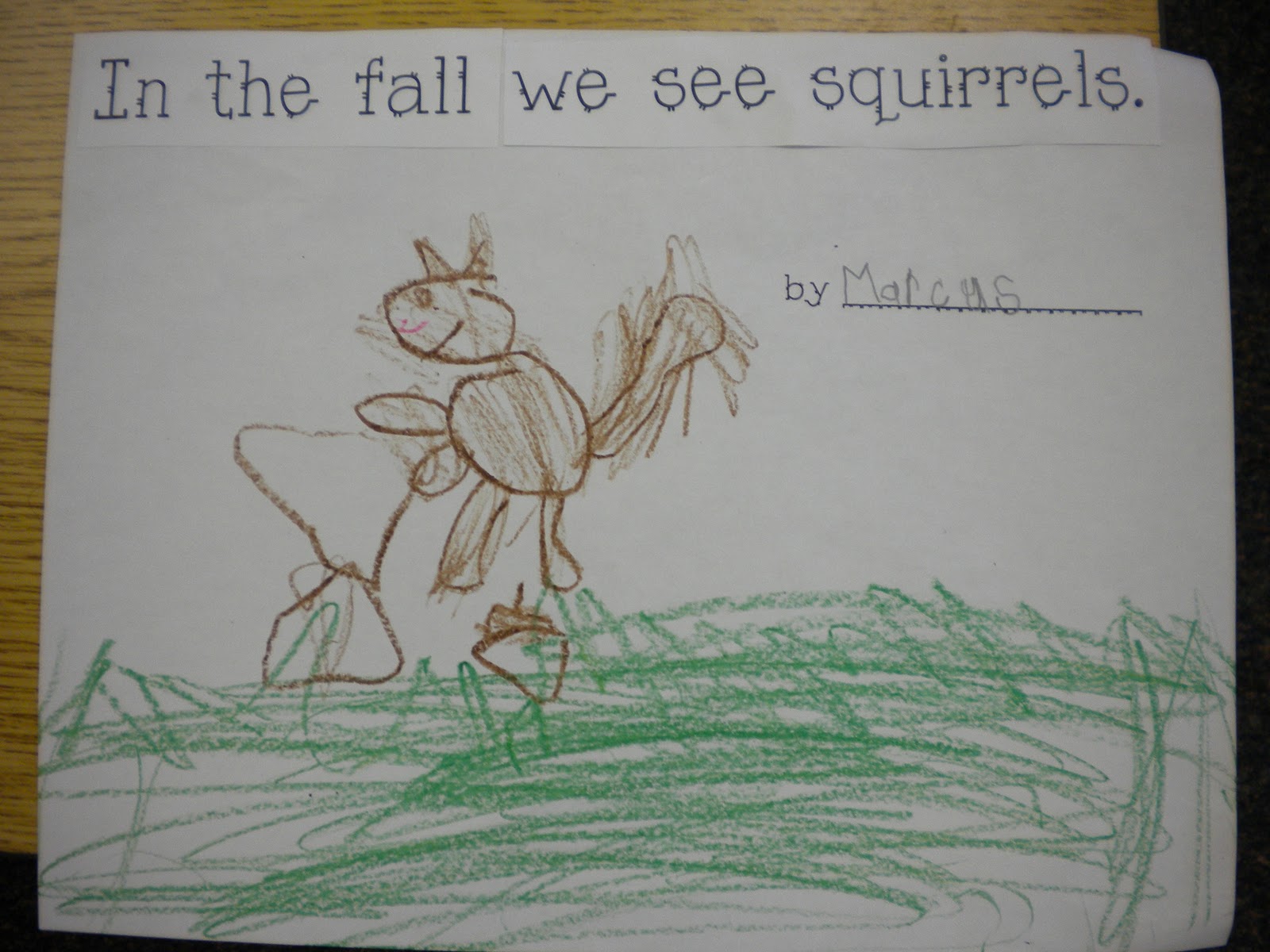
I love making predictable charts with kids, but they often get pushed to the back burner, because they take so much time!
In the past, I’ve done it this way:

I just made a table in word, and typed what the children said. I projected it on my IWB so the children could follow along. I can obviously type faster than I can write, so I was able to get a whole bunch done each day we did it.
Later in the week, we would come back, ad put the sentences together. The children would have to cut apart their sentence and then re-assemble and illustrate their sentence.


I would them assemble them into books and place them in our classroom library for the children to read.
I like this method, but I also thought, there must be another way.
So, I came up with this:

This is a PDF that you can project onto a screen using a projector and just type right on it. It is programmable, so that you can add the text as the children say it. I always use my mouse to point to the words as we read, stop, and then add the text that they give me. At the end of the week (or sooner, if I can get all of the children done), I will print out the pages and the children will illustrate them.

Now, here is something VERY important to keep in mind. You CAN NOT SAVE a programmable PDF. So, DO NOT close the program if you are not finished typing everyone’s work. OR, you can simply print as you go. But, just remember my warning! It doesn’t save

Do you want to try this in your classroom? I would love your feedback. If you find it successful, I may make a pack of these little predictable books.
You can try it for FREE by clicking {here!}